


Wrist-first control unlocks new drone workflows
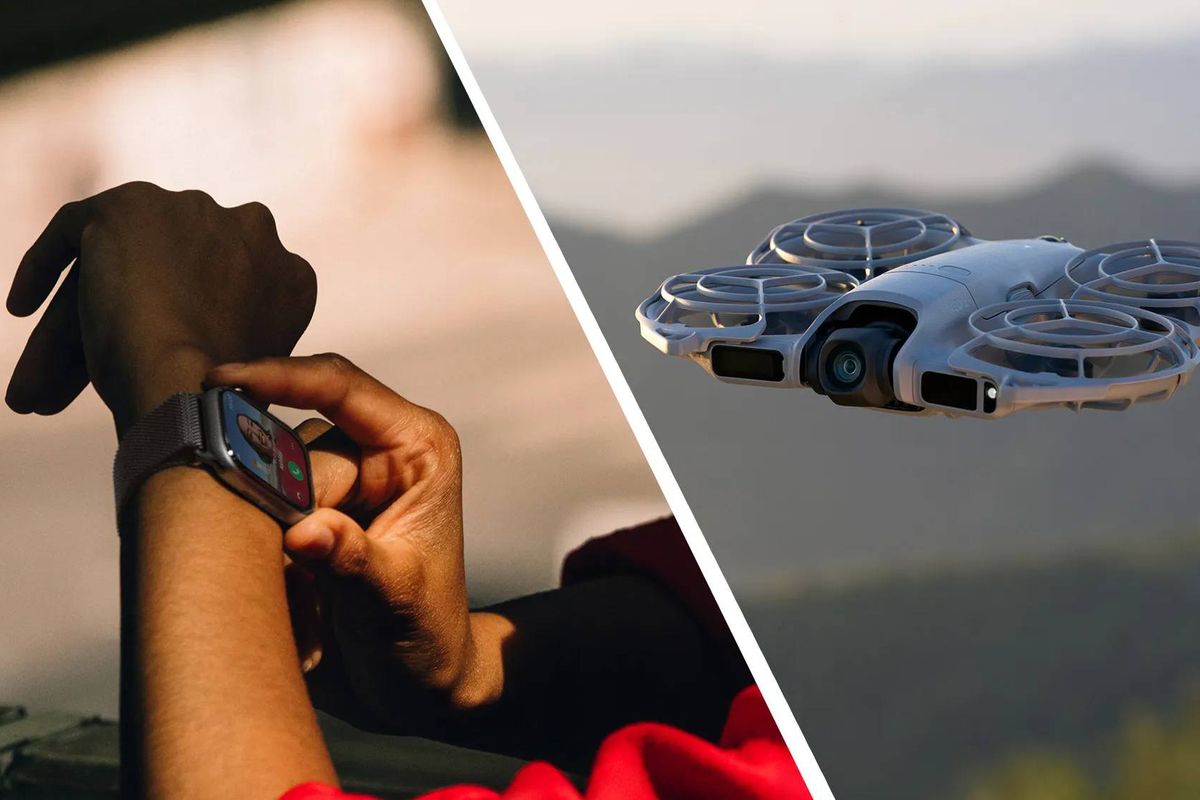
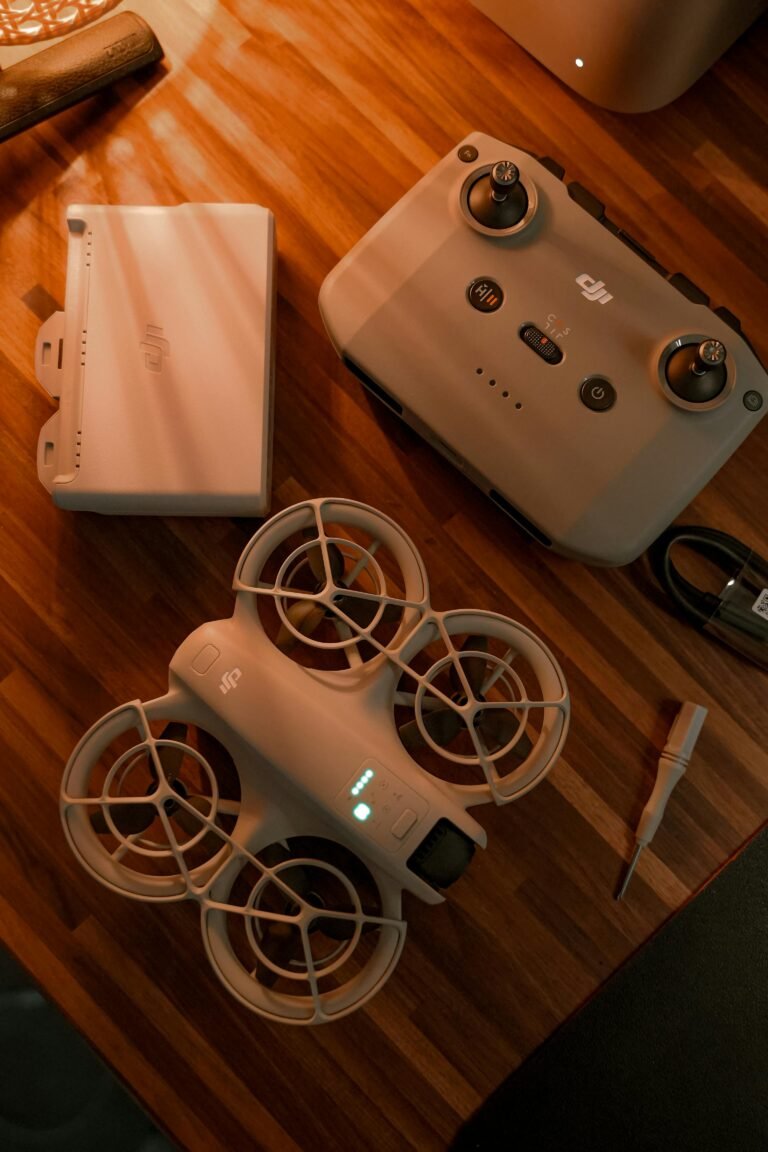
A new frontier in drone control is here: a wrist becomes the cockpit. DJI has updated the Neo 2 so pilots can steer, arm, and land the drone using only an Apple Watch. The update targets Apple Watch Series 8 and newer, including the Ultra models, and relies on firmware v01.00.0500 paired with DJI Fly app v1.19.4. With this, users can perform basic flight commands without pulling out a phone or a dedicated handheld controller. This is a meaningful step for hands free control in the field.
Recent Trends
- Wearables enabling hands-free drone operations
- Voice and gesture interfaces rise in aviation tech
- Safety and regulatory debates grow around wearable controls
For readers who want context, this move fits a broader trend toward wearable interfaces that reduce the friction of piloting small, autonomous machines. The Neo 2 already boasts obstacle avoidance and LiDAR, which complement remote control by voice and wrist gestures. The updated setup lets simple commands and even a live feed appear on the watch screen, turning the watch into a compact control surface. This expands the set of scenarios where a drone can be used in a truly mobile, on‑the‑go way.
According to Gizchina, the feature works on Apple Watch Series 8 and newer, including the Ultra models. The two-step process is straightforward: update the Neo 2 firmware to v01.00.0500, then update the DJI Fly app to v1.19.4. After that, the watch pairs with the drone through the app, and the wrist becomes a control canvas. The practical upshot is obvious: cyclists, hikers, or field workers can adjust camera angles or initiate a flyover without breaking stride. For defense planners and search teams, hands free control can shave seconds off critical tasks and reduce risk in dynamic environments.
What makes this feature compelling is not just convenience but the design philosophy behind it. A narrow wrist interface forces manufacturers to rethink feedback loops, latency, and safety safeguards. DJI leverages the Neo 2’s existing onboard intelligence to minimize pilot workload. In practice, you speak a command or tap the wrist and watch-defined gestures translate into flight actions. Think of it as a modern cockpit that fits on a sleeve.
Limitations are real. The watch has a built in power saver that pauses the live video when your wrist goes down, then resumes when you lift it again. The live feed remains crisp, but the pause is noticeable on longer scans. Users should plan for this in time sensitive operations. Another caveat: voice control requires mic access on the iPhone and enabling a Voice Control option in DJI Fly. A neat byproduct is that the watch can act as a pocket microphone that feeds audio into drone video, enhancing on site coverage when you need to narrate actions or capture ambient sound. In short, the Neo 2 becomes a wearable, hands free flying tool that blends consumer wearables with enterprise-grade drone performance.
Beyond the immediate use case, this trend signals broader shifts in drone markets. Competitors are watching how wearable devices can unlock new workflows for inspection crews, emergency responders, and creative professionals who value mobility. As more drones add LiDAR, obstacle avoidance, and voice interfaces, the line between manual control and autonomous flight continues to blur. Regulators will also evaluate how wrist based commands are treated in training and accountability frameworks, especially for operations near people or in restricted airspace. The DJI update could influence how pilots plan to document operations or demonstrate control authority in audits.
For readers who want a practical takeaway: if you operate a DJI Neo 2 or plan to buy one, factor the watch based workflow into your field kit. A lightweight smartwatch could reduce gear load while keeping you in control. As wearables mature, expect more drone models to adopt similar wrist based interfaces, with better latency, richer feedback, and improved safety features. For field operators, the wrist-first approach could redefine how crews work in tight spaces.
FAQ
- Can I use any Apple Watch to control the Neo 2? Not quite. The feature targets Apple Watch Series 8 and newer, including Ultra models.
- Do I need an iPhone nearby? Yes, the DJI Fly app on iPhone is used to pair the watch with the drone and enable Voice Control.
- Is there any latency or safety risk? Latency exists in watch based control, and the live video may pause when the wrist lowers due to power saving. DJI includes obstacle avoidance and LiDAR to mitigate some risk.
Conclusion
The DJI Neo 2’s wrist based control marks a clear shift toward wearable drones interactions. It highlights a growing trend toward lighter, more mobile control methods, and sets a bar for other manufacturers to follow in 2025 and beyond. Wearable interfaces will push drones into new use cases, from dynamic photography to on site inspections and rapid response missions. For operators, the message is simple: embrace the wrist as a control surface, but stay mindful of battery life, latency, and safety constraints.