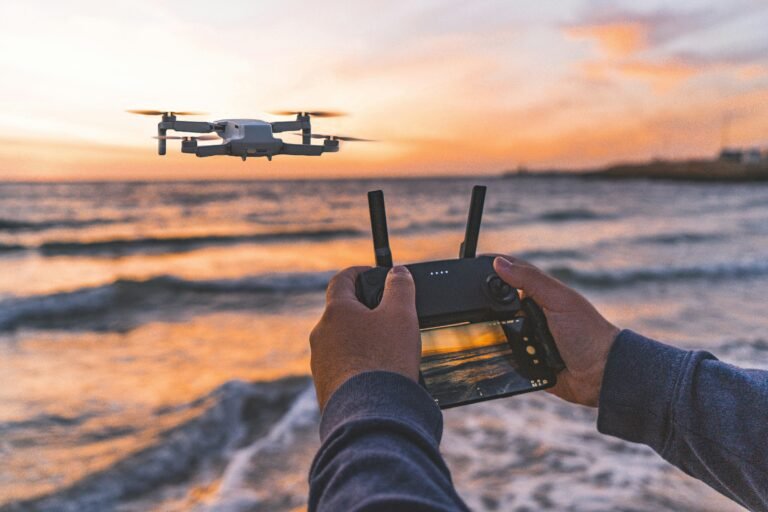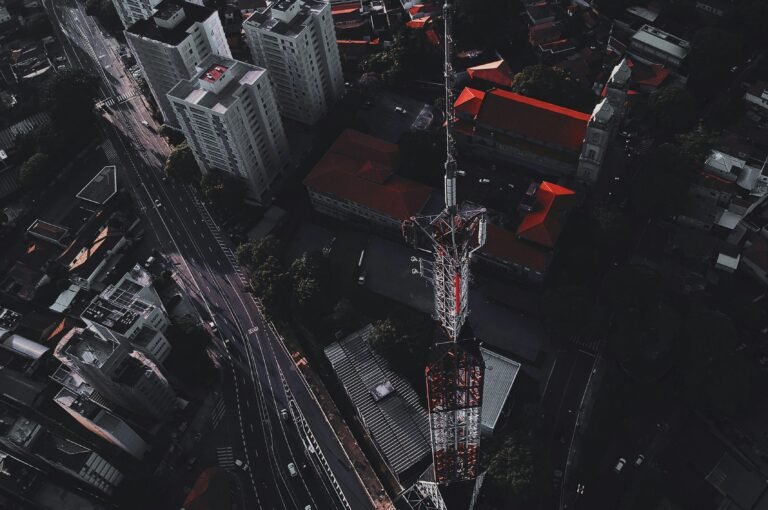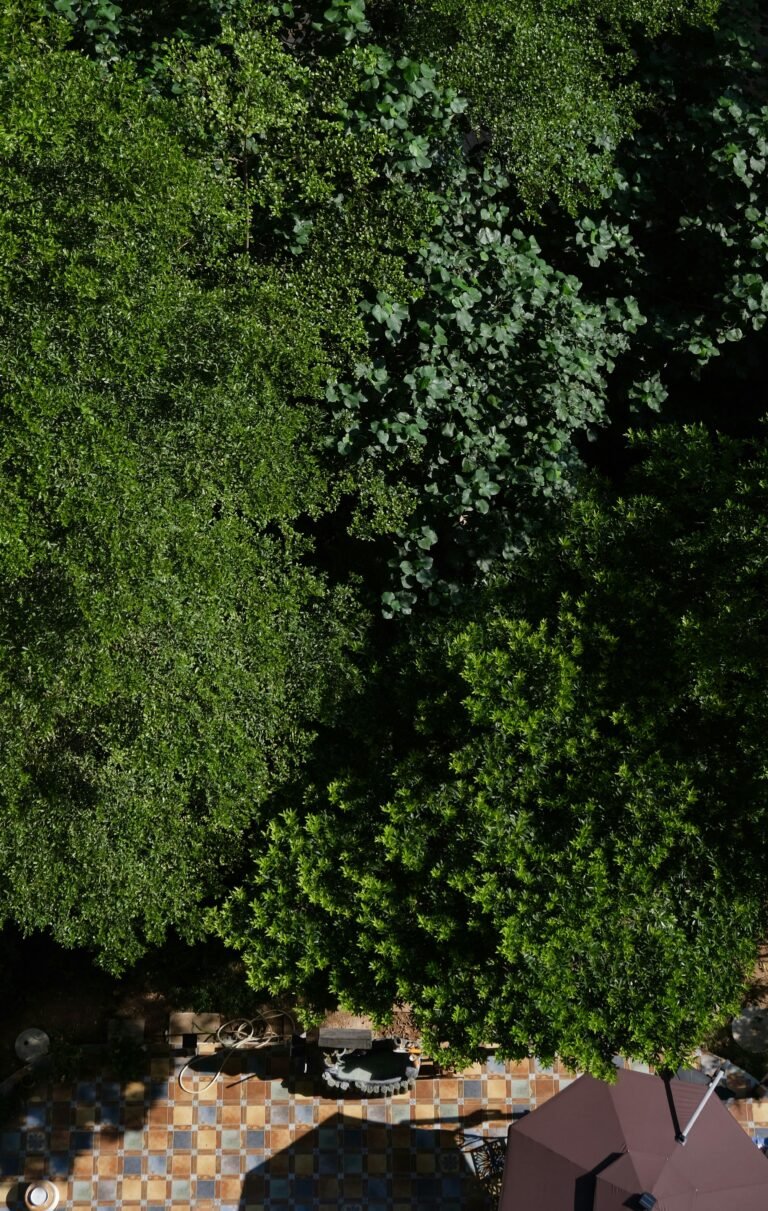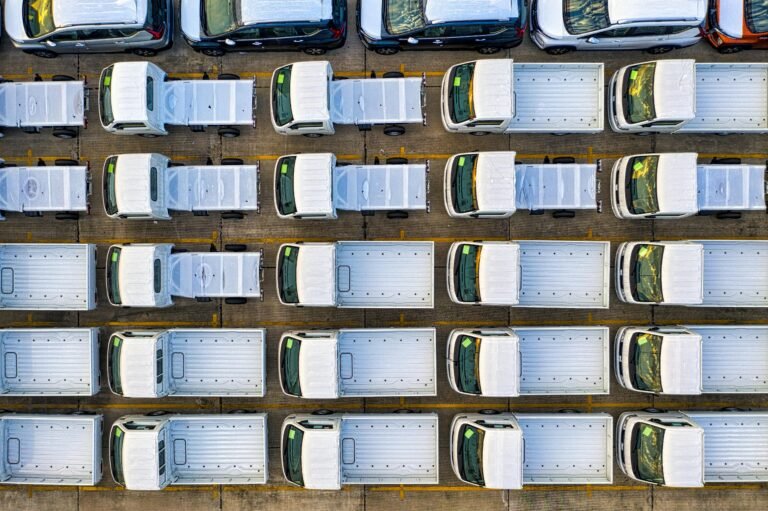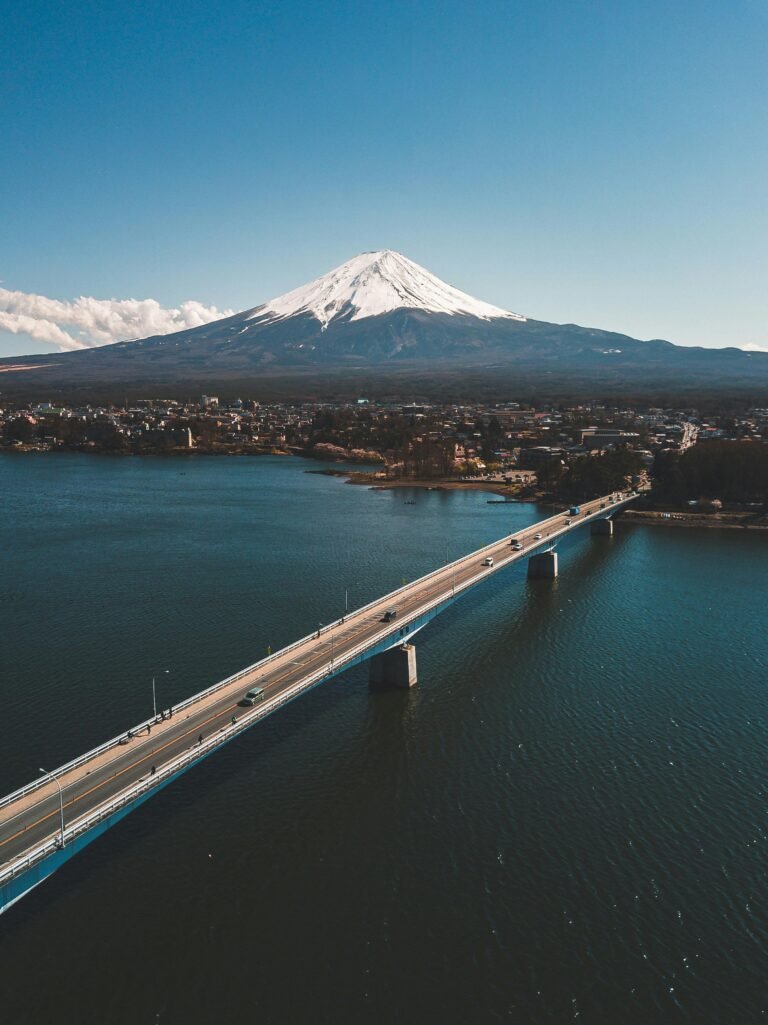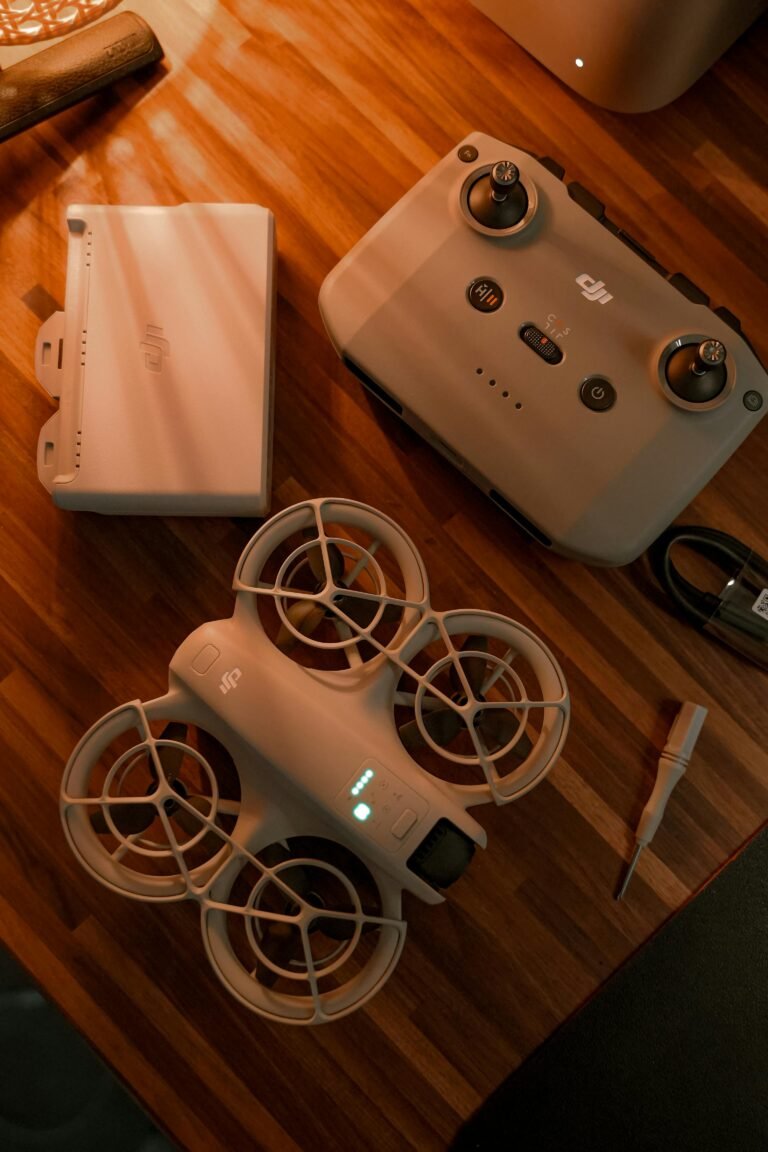

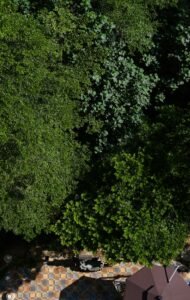
From sweeping coastlines to neon-lit skylines, cinematic drone footage captivates audiences in a way that simple aerial shots cannot. The secret isn’t just a high-end platform; it is a disciplined blend of gear, technique, and planning that turns flight into storytelling. With DJI drones, filmmakers gain access to powerful camera controls and intelligent flight aids, but true cinematic quality comes from how you apply them on set and in post.
Recent Trends
- DJI firmware updates emphasize color grading controls
- Indie filmmakers adopt cinematic drone workflows
- Post-production tools mature for aerial footage
The journey starts with your camera settings. For cinematic drone footage, shoot in 4K at cinema-friendly frame rates and use a controlled shutter to preserve natural motion blur. A low ISO keeps noise out of shadows, while manual white balance stabilizes color as light shifts. These basics matter whether you shoot over a cityscape or a remote coastline.
According to TechTimes, mastering manual exposure, frame rate choices, and precise color control remains essential to unlocking cinematic potential across DJI models. Relying on auto modes often yields inconsistent results when lighting changes mid-shot, underscoring the need for hands-on control.
Core DJI Settings for Cinematic Footage
For operators chasing the cinema look, the following settings serve as a practical baseline. They promote consistency across models and lighting conditions, which is crucial when you plan multiple shots in a single session. The aim is clarity and storytelling, not gimmicks.
- Resolution and frame rate: 4K at 24 or 30 fps for a filmic cadence
- Shutter speed: roughly double the frame rate (around 1/48 s for 24 fps) to achieve natural motion blur
- ISO: keep low (100–200) to minimize grain in bright conditions
- White balance: set manually based on the scene to preserve color integrity
- ND filters: use to control light without sacrificing shutter timing in bright environments
These foundational choices directly shape the visual texture of your footage and help you maintain a consistent look across shots, a hallmark of cinematic drone footage.
Flight Techniques to Elevate Shots
Beyond settings, flight technique matters as much as exposure. Plan scenes in advance with storyboards or shot lists so every flight contributes to the narrative. Smooth, deliberate movements trump flashy maneuvers when you want film-like quality. Combine different angles and perspectives to enrich storytelling and keep viewers engaged. Slow pans, gentle tilts, and measured tracking shots help the audience feel grounded in the moment.
Utilizing DJI Intelligent Flight Modes
Intelligent flight modes complement manual control, making complex shots more repeatable. ActiveTrack follows a subject while staying centered, Point of Interest orbits around a focal point, and Waypoints let you pre-program precise flight paths. Tripod Mode slows movement for careful framing during close-up shots. For cinematic drone footage, blend manual finesse with these modes to reduce drift and maintain cinematic rhythm.
Post-Production: Polish Your Look
Post-production is where the cinematic story takes shape. Color grading and LUTs can give drone footage a film-inspired mood, while stabilizing lightly keeps frames cohesive. Adjust brightness and contrast to preserve detail in shadows and highlights. A well-structured edit, with tight cuts and well-timed transitions, reinforces the narrative rather than appealing merely to spectacle. For readers who want practical tips, cineD and TechTimes often emphasize matching tonal balance across clips to preserve continuity in the grade.
Common Mistakes to Avoid
- Excessive speed: rapid moves can feel jarring and amateur
- Chasing light: windy or harsh sunlight creates unwanted shadows
- Neglecting battery and safety: interruptions derail the creative flow
For drone operators planning a weekend shoot, start with a simple 4K 24 fps shot at golden hour. Build from there by adding a second pass with a different angle. The goal is cinematic coherence, not a barrage of drone gymnastics.
Frequently Asked Questions
Q: Can beginners achieve cinematic drone footage with DJI drones, or is advanced experience required?
A: DJI drones are beginner-friendly thanks to stabilization and assisted modes, but mastering manual controls, framing, and post production will elevate results significantly.
Q: How does wind affect cinematic drone footage, and how can it be managed?
A: Wind can cause drift and jitter. Check weather before shooting, use Tripod Mode for delicate moves, and rely on ND filters to keep shutter timing steady.
Q: What are the best accessories to improve cinematic drone videography?
A: ND filters for light control, extra batteries for longer sessions, and a fast microSD card for reliable 4K recording are all valuable.
Conclusion
When you combine thoughtful camera settings, patient flight technique, and disciplined post-production, cinematic drone footage becomes accessible across DJI models. The practical takeaway is simple: plan your shots, keep exposure disciplined, and use the right tools to preserve mood and color. With consistency, your aerial footage can tell stories as powerfully as on the ground.